User guide
Three steps: upload a product photo, generate the storyboard, download the finished video. Full walkthrough and FAQ below.
Three steps to a finished ad
Upload the photo
Drop in one product photo. AI detects the category, selling points and subject.
Generate storyboard
Pick a style and duration. AI drafts the scenes; adjust any shot or reroll with one click.
Render and download
Cloud rendering delivers automatically. Batch jobs queue up and run without babysitting.
Text-to-Video Guide
No shooting, no footage needed — describe the scene in one sentence and AI generates the video.
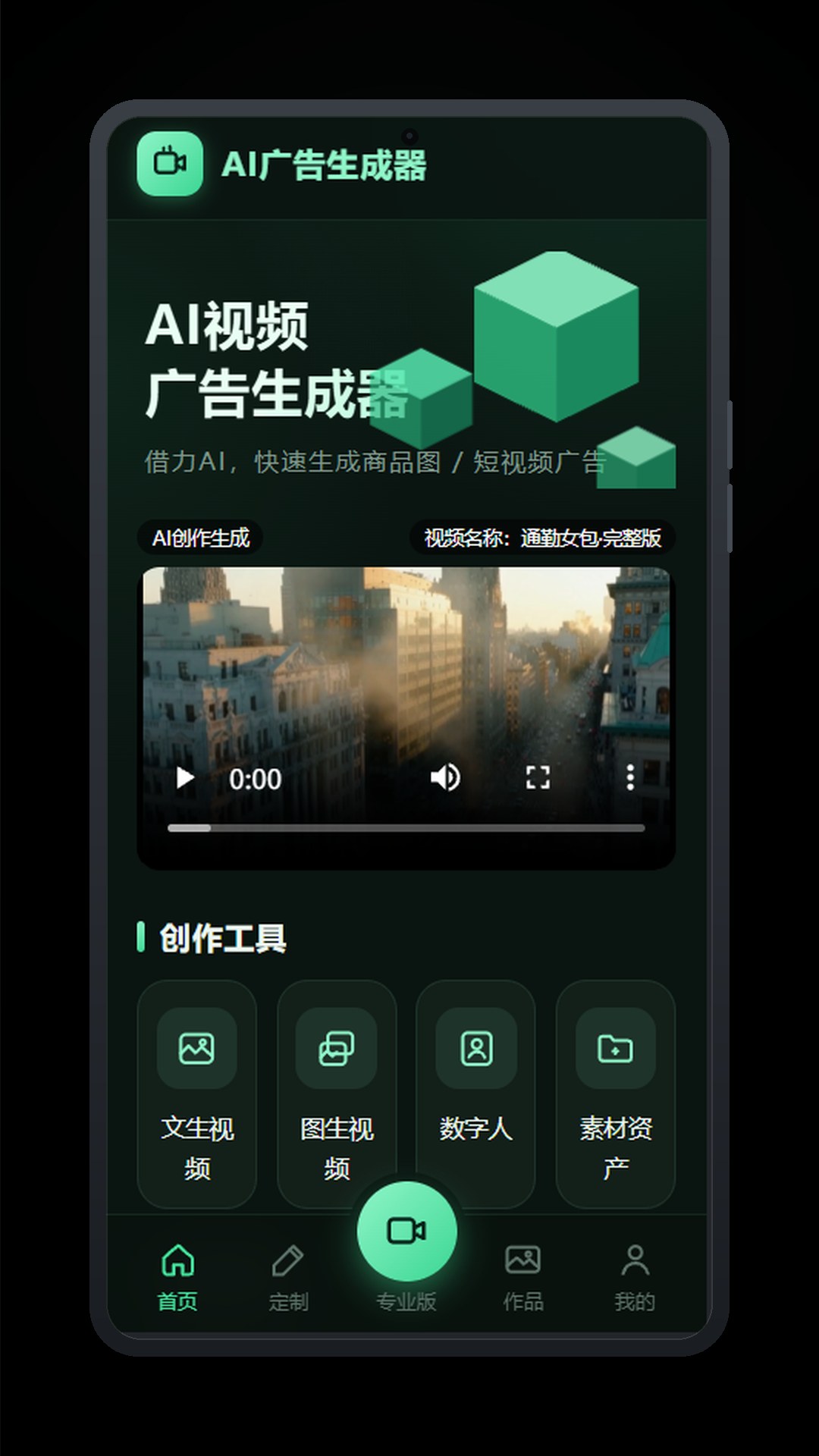
Open the platform
Go to one.gxding.cn — all creation tools are right on the home page.
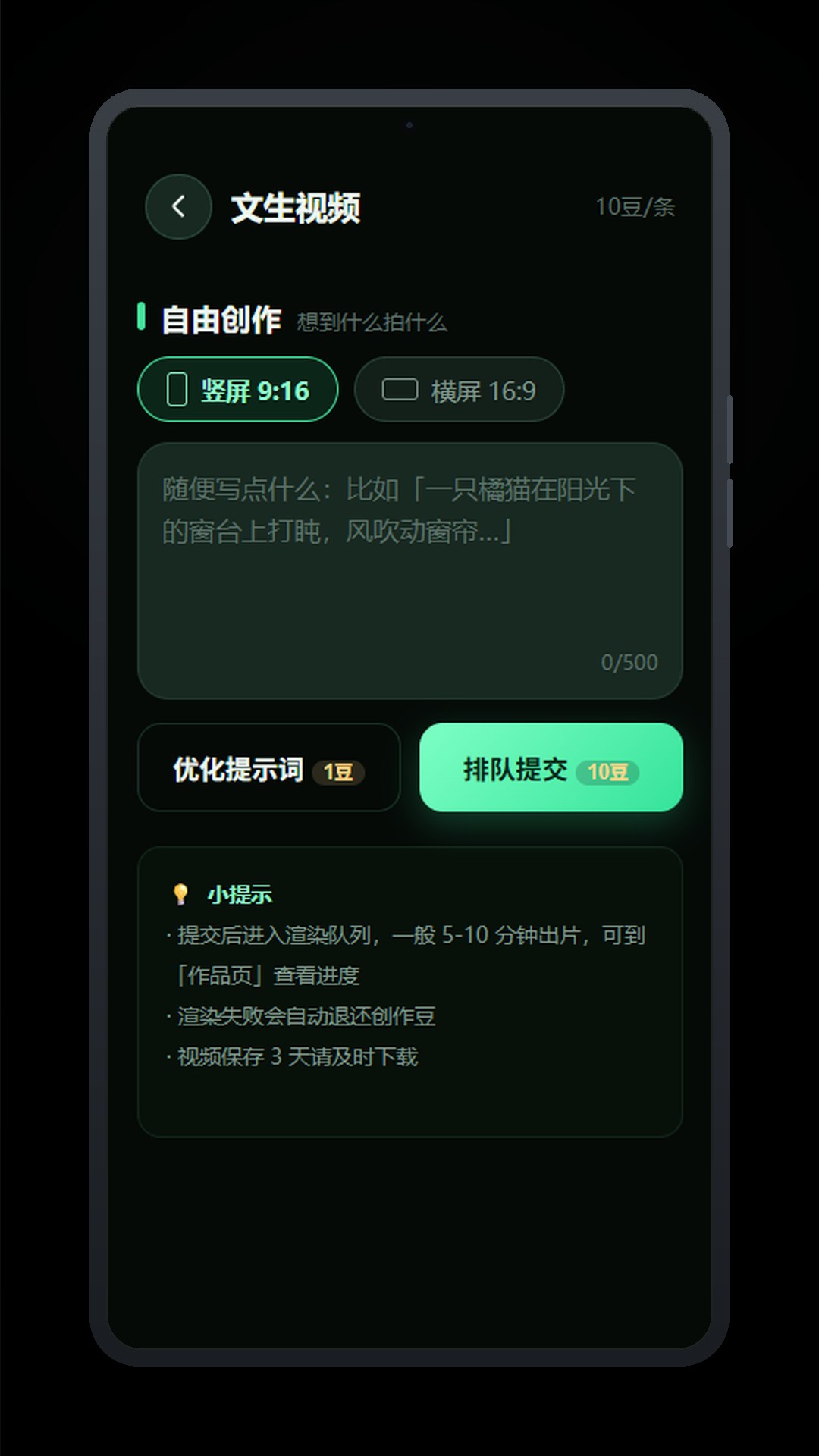
Enter your prompt
Pick "Text-to-Video" and the 9:16 portrait format, then write your scene into the prompt.
A cat and a mouse chasing through a kitchen, fast-paced and high-energy, never stopping the chase, Pixar style
Tap "Queue & Submit" — videos are usually ready in 5-10 minutesSubmit & generate
For example, this cat-and-mouse prompt nails the scene and style in a single sentence.
Download the video
View and download the finished video on the Works page, ready to post on short-video platforms.
Image-to-Video Guide
Upload a casually shot product photo — AI reads the subject, builds the storyboard, and delivers finished videos in Showcase and Story modes.
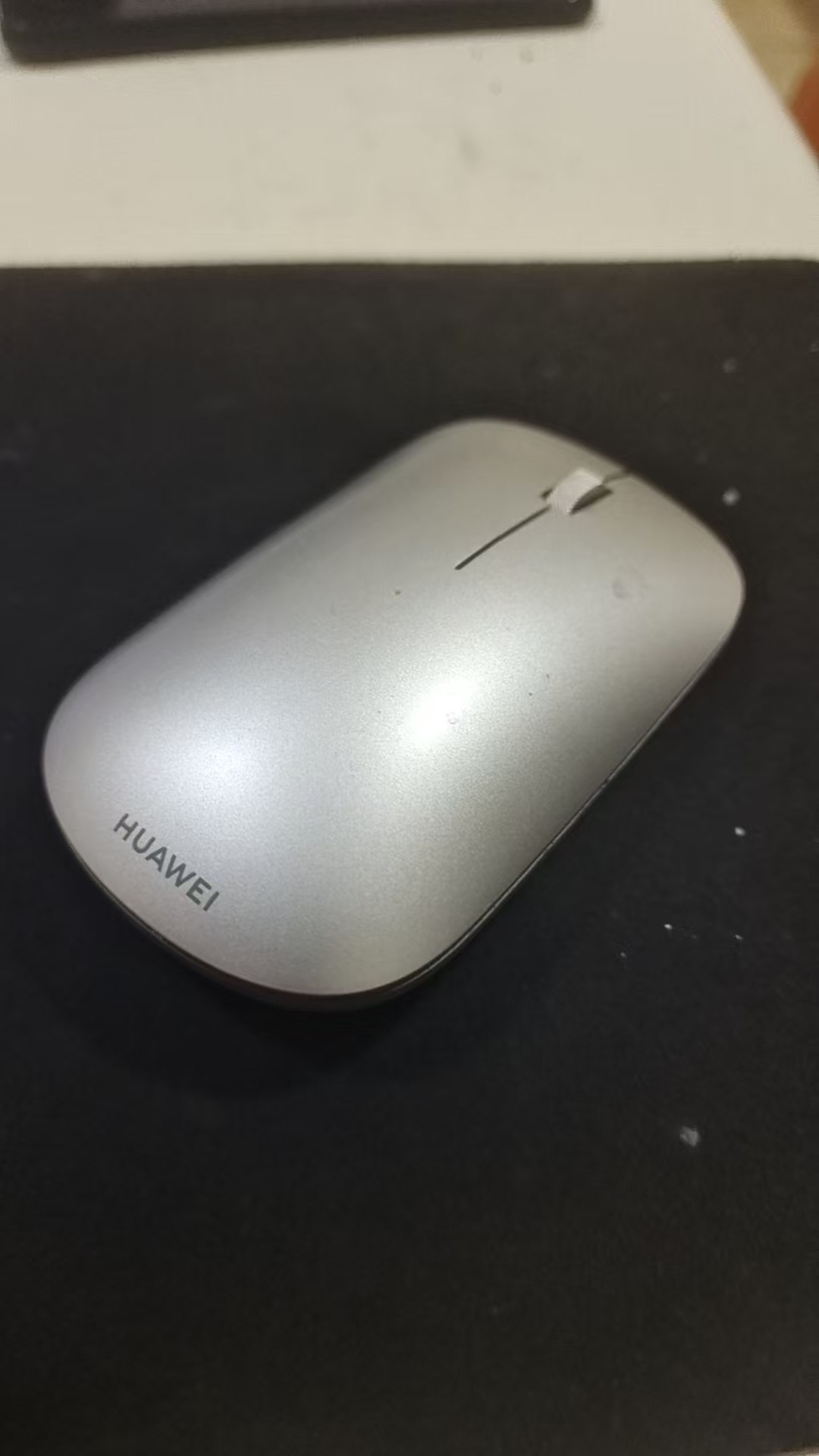
Upload the photo
Snap a quick photo of your product — no studio needed. AI identifies the subject and selling points automatically.
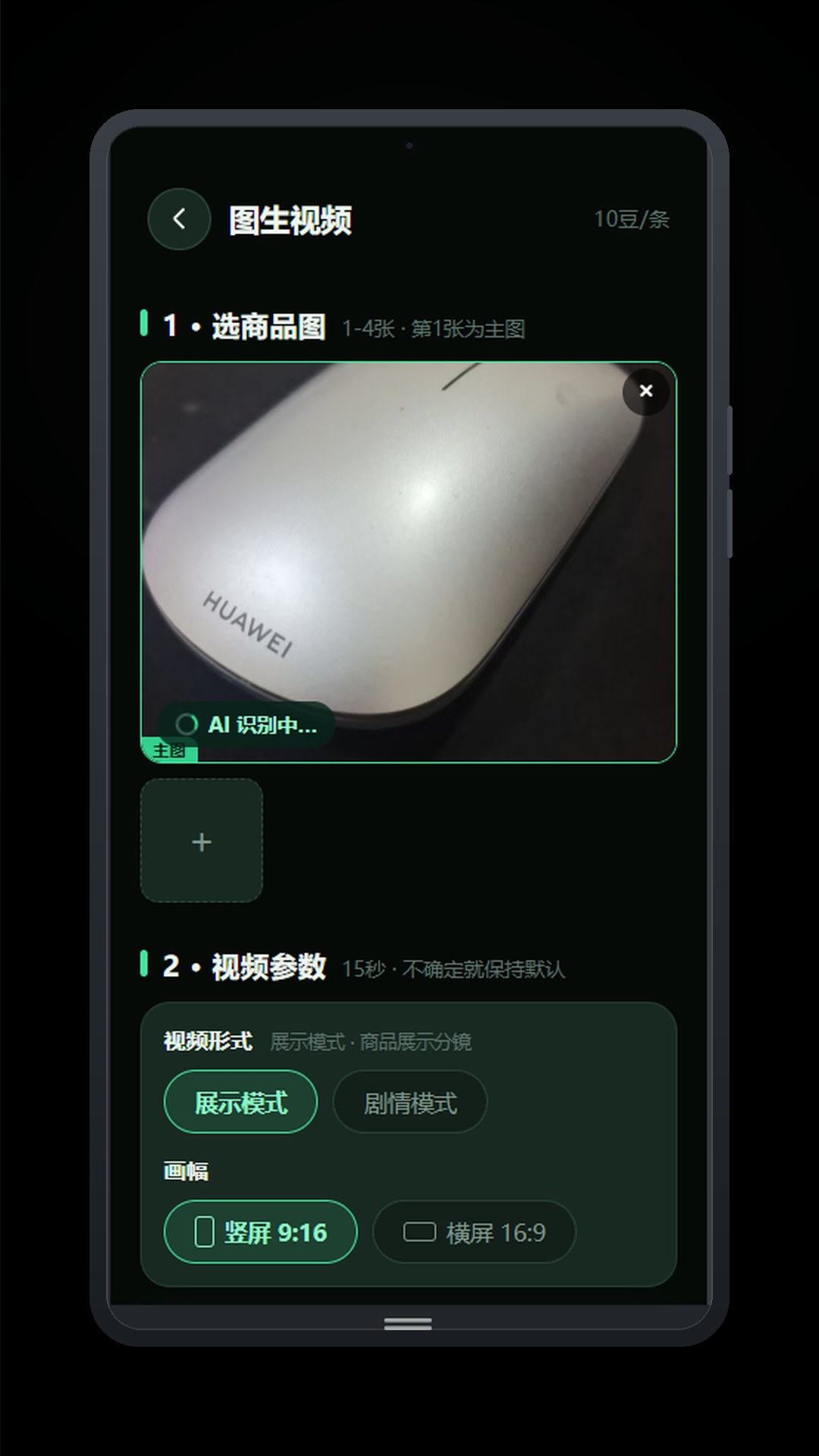
Pick a mode
"Showcase" renders product shots; "Story" renders a mini narrative. Vertical 9:16.
Showcase-mode video
Product showcase shots: hand-held close-ups, package display and usage scenes in one flow.
Story-mode video
Story shots are arranged automatically, weaving the product naturally into the plot.